.svg)

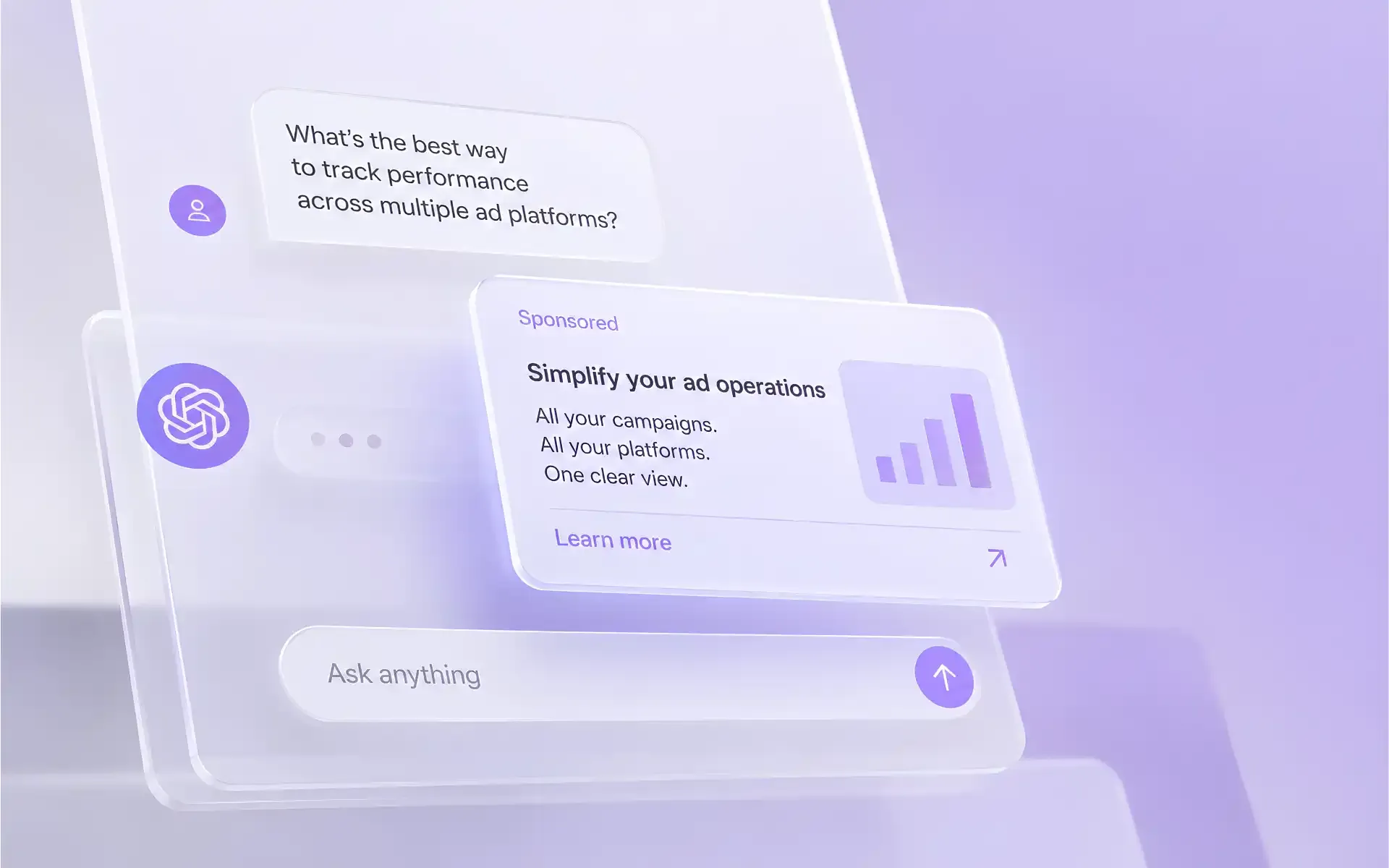
ChatGPT ads let businesses reach their audience at every stage of a decision, from research and comparing options to choosing and buying. They help brands show up in the moments that shape interest and drive action.
This is a new channel, and advertisers naturally have questions before their first launch.
Below we answer the questions that most often delay a launch. The answers draw on OpenAI's official documentation and on launches run by Evido by Aitarget.
Access and geography
Which countries can ads run in?
As of September 30, 2026, OpenAI has opened 63 countries.
Country list
Europe: Austria, Belgium, Bulgaria, Croatia, Cyprus, Czech Republic, Denmark, Estonia, Finland, France, Germany, Greece, Hungary, Iceland, Ireland, Italy, Latvia, Liechtenstein, Lithuania, Luxembourg, Malta, Netherlands, Norway, Poland, Portugal, Romania, Slovakia, Slovenia, Spain, Sweden, Switzerland, United Kingdom
Middle East: Bahrain, Iraq, Israel, Jordan, Kuwait, Lebanon, Oman, Qatar, Saudi Arabia, Turkey, United Arab Emirates
Africa: Algeria, Egypt, Morocco, Tunisia
Asia: India, Indonesia, Japan, South Korea, Malaysia, Philippines, Singapore, Taiwan, Thailand, Vietnam
North America: Canada, Mexico, United States
South America: Brazil
Oceania: Australia, New Zealand
💡 The list expands regularly. Check the OpenAI Help Center for the current version.
Our company is registered in a country without ChatGPT Ads. Can we still launch?
Yes, through a partner. You cannot register an account from that country on your own.
Ads Manager registration requires a legal entity in a country where ChatGPT Ads is already available. Choosing another country at sign-up does not work, because the company goes through verification.
💡 Evido helps advertisers from countries without ChatGPT Ads launch campaigns in open markets, even without a local legal entity there.
The restriction on where ads can be shown stays the same: ads run only in open countries.
Who sees the ads?
- Adults only: accounts under 18 are excluded.
- Users on the Free and Go plans. Plus, Pro, Business, Enterprise, and Edu have no ads.
- Both signed-in and signed-out users. Signed-in users can see ads with mature content. Signed-out users see only ads suitable for all audiences.
- Ads do not appear in Temporary Chats or next to sensitive topics: personal health, mental health, and politics.
What language is an ad shown in?
The system weighs three signals:
- the user's location,
- the user's language settings,
- the conversation language.
So an English interface does not guarantee the user will see the ad in English.
Audience and targeting
What targeting options are available?
Targeting in ChatGPT works differently from other ad platforms. The main signal is the conversation context.
| Setting | What you can do |
|---|---|
| Geo | Countries, regions, cities, postal codes. Up to 2,500 locations to include and the same number to exclude |
| Platform | iOS app, Android app, Android web, desktop web, iOS web |
| Custom audiences | Upload email or phone lists. You can include or exclude an audience, or raise bids for it (from 0.1x to 10x). Minimum 25,000 matches |
| Context hints | Up to 2,000 text hints per ad group: topics, situations, and queries where the ad is relevant |
Is there targeting by interests, gender, age, language, or lookalikes?
Not yet. Interest, demographic, lookalike, and language targeting are not available today.
Can we target keywords or prompts?
Not directly. Context hints are the closest thing to keywords. They describe scenarios where your product helps: “trail running shoes,” “marathon training,” “foot pain when running.” Matching is based on meaning, so the wording does not have to match exactly. Hints help the system find relevant conversations. They do not guarantee delivery in a specific conversation.
What to know about context hints:
- They do not set geo or exclude topics. Campaign settings handle that.
- Editing overwrites the whole list, so send all hints at once.
How do we reach a young audience without age targeting?
Through context and creative. Use context hints to describe situations typical for this audience: studying, a first job, college admissions, choosing a first laptop. Add ads that speak to these tasks.
Keep in mind that users under 18 never see ads.
Formats and creative
What formats are available?
| Chat card | Product ad | |
|---|---|---|
| What it is | A card below the ChatGPT answer: brand name, logo, headline, text, image, link | Product cards the system builds from your catalog |
| Best for | Any business | E-commerce and anyone with a product feed |
| How it's built | Each ad is created manually | One template per ad group; product data fills in automatically |
Ads are always labeled as sponsored and kept separate from the answer. They do not affect ChatGPT's answers.
What are the creative requirements?
| Element | Requirement |
|---|---|
| Headline | 3–50 characters |
| Text | Up to 100 characters |
| Image | At least 640×640, PNG, JPEG, or WebP |
| Logo (favicon) | At least 256×256, PNG, JPEG, or WebP |
| Landing page | HTTPS, URL up to 2,048 characters, open to OpenAI bots |
Are product feeds and catalogs supported?
Yes. Product ads use data from your product catalog: image, title, price, rating, and brand.
You can connect up to 10 feeds per ad account. Products can be grouped, with separate ads set up for each group.
The catalog needs basic product data: ID, title, description, brand, URL, image, price, currency, and availability.
How many creatives do we need?
OpenAI recommends running many different ads: several headline and text variations for each offer. Each variation should cover a new angle. This helps the system find more conversations for your ads.
What works best:
- A concrete benefit: what it is, who it's for, and when it helps.
- Text that adds new information to the headline.
- A link to the relevant product page. Avoid sending traffic to the homepage.
- A simple image that matches the ad's message.
Budget, bidding, and payment
What is the minimum budget?
The minimum daily campaign budget is $25 for USD accounts. For other currencies, check the OpenAI Help Center.
How much budget should we plan per creative?
Budget is set per campaign. The system distributes impressions across the ads in a campaign on its own. So plan your budget at the campaign level: at least $25 a day. The more ad variations a campaign has, the more data it gets for optimization. One or two ad groups per campaign are enough for a first test.
What objectives and bid strategies are available?
There are three objectives:
- Impressions (CPM): pay per 1,000 impressions, fixed bid only.
- Clicks (CPC): pay per click, fixed bid or the automatic Maximize clicks strategy.
- Conversions (oCPC): optimization toward a selected event, pay per click; fixed bid or Maximize conversions.
What bid should we start with?
For pay-per-click campaigns, OpenAI recommends starting at $3–5 per click. Ads compete in a relevance-weighted second-price auction. The winning ad depends on both the bid and how well the ad fits the conversation.
Are there industry benchmarks for CTR, CPC, or CPA?
There are no public benchmarks yet. Plan your first launch as a test, with time to collect data.
In this article, we shared the results and takeaways from our test launch.
Conversions and analytics
How do we track conversions?
There are three ways to send events to OpenAI:
- Pixel. Code on your site sends events from the browser: purchases, leads, sign-ups.
- Conversions API. Your server sends the events, such as confirmed orders. You don't need a pixel on the site.
- Image tag. A hidden 1×1 image for pages without JavaScript. It records page loads only.
You can use the Pixel and the Conversions API together. Matching events are deduplicated by ID, so they are not counted twice. Next, you choose which event counts as a conversion: a standard one (purchase, lead) or a custom one. Only standard events can be used for conversion optimization.
Can we promote mobile apps? Is there an AppsFlyer or Adjust integration?
Yes. A campaign can target the iOS and Android apps separately.
AppsFlyer and Adjust support ChatGPT Ads integration: in-app events are sent to OpenAI through their dashboards. We issue the key for sending events, and your app team sets up the MMP side.
What reporting is available?
- Metrics: impressions, clicks, spend, CTR, CPC, CPM, conversions, CPA, attributed sales, ROAS.
- Levels: account, campaign, ad group, ad.
- Breakdowns: by hour, day, and month; by country, device, platform, or product.
- Refresh rate: impressions and clicks about every 15 minutes, spend with a 7–8 hour delay.
Moderation and restrictions
What can't be advertised?
OpenAI's policies prohibit adult products and dating, alcohol, tobacco, vapes and nicotine, gambling and betting, drugs, counterfeit goods, political ads, cryptocurrencies, loans and microfinance, investment products, scams and phishing, and violence.
Ads for individual job openings or individual properties are also not allowed. Only the platforms themselves can be advertised.
Can we advertise financial, medical, or legal services?
These are restricted categories. Each advertiser goes through individual approval and must hold the relevant licenses.
Trading and investing are currently restricted. If you're in this category, send us your company name, website, licenses, planned budget, and billing country. Brokers and trading companies should also specify their line of business. We'll pass the request to OpenAI and come back with an answer.
How long does moderation take?
From one hour to one day. Review covers the account (name, website, logo) and each ad. Any edit to a creative or link sends the ad back for review.
Common reasons ads are rejected
- The site blocks OpenAI bots. The review system opens the landing page itself. Your developer needs to allow the OAI-AdsBot and OAI-SearchBot crawlers. If access is opened after a rejection, resubmit the ad for review.
- The landing page doesn't match the ad. The page must describe the same product and offer.
- Imitating ChatGPT. You can't copy OpenAI's interface, style, or “voice,” use its logos, or imply a partnership with OpenAI.
- Exaggerated claims, fake reviews, and unproven health claims.
Moderation rules differ from Meta and Google. A creative approved there may still be rejected in ChatGPT.
How does launching through Evido differ from self-service?
| Self-service (Ads Manager) | Through Evido | |
|---|---|---|
| Advertiser's country of registration | Only from OpenAI's list | Any |
| Countries where ads run | Countries opened by OpenAI | The same open countries |
| Payment | A separate card and separate invoices | The same Evido wallet you use for other platforms, plus accounting documents |
| Moderation | You handle it yourself | We check the creative and landing page before submission and handle appeals |
| Platform changes | You track them yourself | We flag changes that affect your account |
| Setup | On your own | We help build the campaign, context hints, and conversion tracking |
What do we need to launch?
- Brand name (shown above every ad) and website URL.
- A logo of at least 256×256 and the account time zone.
- Countries and platforms, objective, and budget.
- Creatives: headlines, text, images, and links with UTM tags.
- A conversion tracking choice: pixel, Conversions API, or AppsFlyer/Adjust integration. We prepare the pixel code.
- A website open to OpenAI bots.
If you already work with us, you don't need a separate contract or onboarding. Just top up your platform balance and send a campaign brief.
Ready to test ChatGPT Ads?
Tell us where your customers are and which website you want to promote. We'll confirm which countries are available, open the account, and review your first creative before it goes to moderation.
Learn more about advertising in ChatGPT on the Evido website.

.jpg)