.svg)

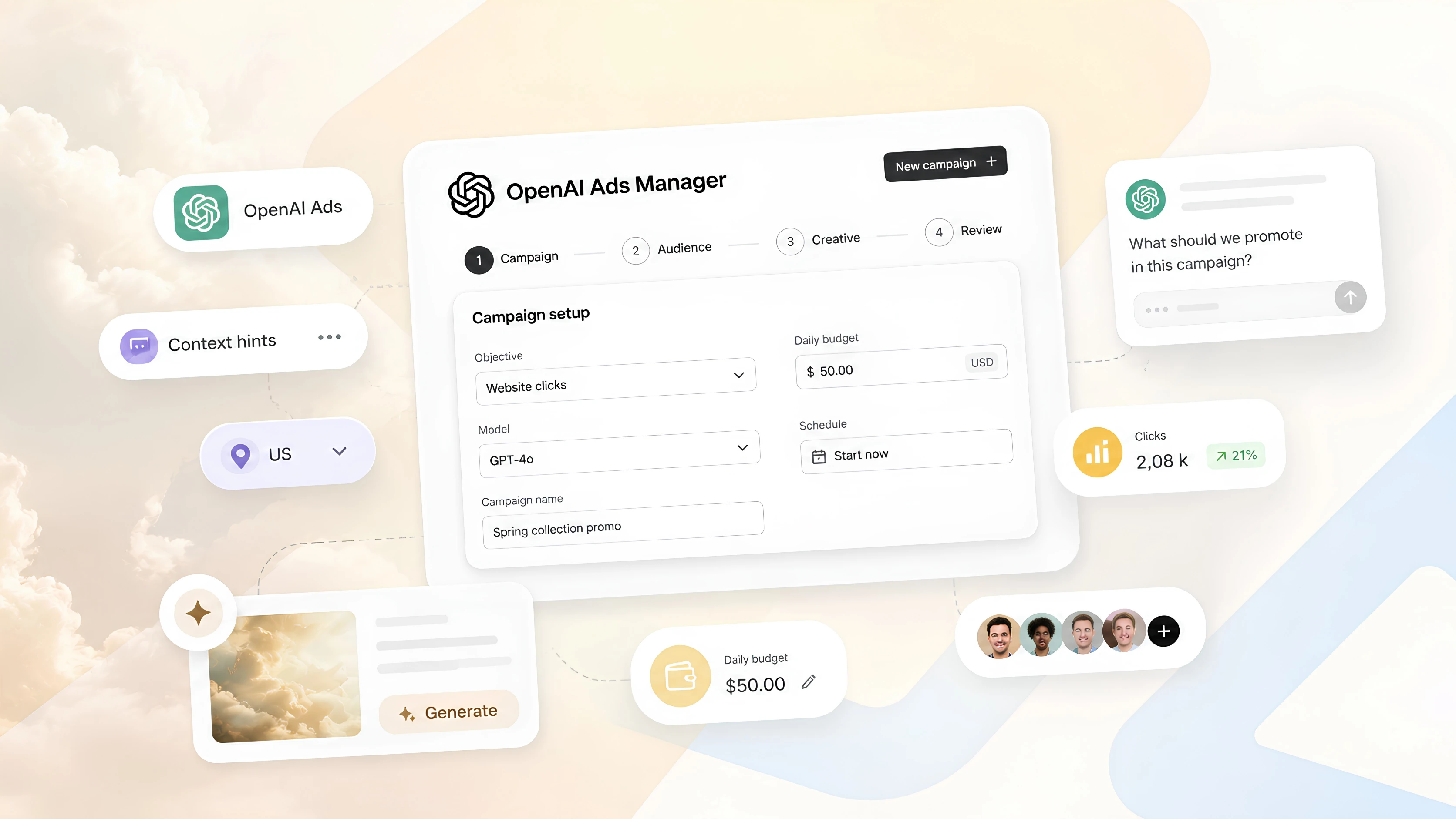
Meta description: ChatGPT now shows ads. We got early access to OpenAI Ads Manager Beta and prepared a hands-on walkthrough of how the platform works, how targeting is set up, and how to write effective context hints.
For most of digital advertising history, a truly new channel appeared roughly once a decade. Search. Social media. Retail media networks. Each one changed the rules.
A new channel is now available, although most marketers have not seen it yet: advertising inside ChatGPT.
Evido received an invitation to OpenAI Ads Manager Beta, the platform where these campaigns are created and managed. We spent time inside the ad account and prepared the walkthrough we wished we had ourselves: what this channel is, how the account is structured, what each setting controls, and which skill separates a good campaign from a wasted budget.
ChatGPT Ads: the short version
Where ads appear: below relevant conversations in ChatGPT.
Who sees them: Free and Go users over 18 in the United States, Canada, Australia, and New Zealand.
Platform: OpenAI Ads Manager Beta, available at ads.openai.com.
Campaign objectives: reach bought on a CPM basis or clicks bought on a CPC basis.
Targeting: context hints, meaning plain-language descriptions of relevant situations rather than keywords.
Status: the product is in beta and continues to change. All details are current as of May 2026.
What "advertising in ChatGPT" actually means
Ads in ChatGPT appear below a relevant conversation, at the moment when a user is researching something, comparing options, or moving toward a decision.
The ad unit itself looks familiar: advertiser name, logo, headline, short description, image, and a link to a landing page.
The main difference is the delivery context. This is not about matching a search query or a demographic profile. The ad appears when it matches the user's intent inside a specific conversation.
Before planning a campaign, it is important to account for the current limits. Right now, ads are shown to Free and Go users over 18 in the United States, Canada, Australia, and New Zealand. They are not shown to Plus, Pro, or Business users, or to users the platform identifies as under 18.
If your entire audience is outside those four markets, this channel is not yet a place for immediate launch. It is a direction to prepare for early.
A first look at OpenAI Ads Manager Beta
Every ChatGPT ad campaign is created and managed in one place: OpenAI Ads Manager Beta at ads.openai.com.
In its current form, the ad account solves three main tasks.
First, you can create and manage campaigns, either one by one through step-by-step setup or in bulk by uploading a campaign template.
Second, you can track results across campaigns, ad groups, and individual ads in tables, charts, and CSV exports.
Third, account settings live here: team members and access permissions, payment details, API keys, and the change log.
It is important to remember that this is a beta version. Some features are still limited, and the platform itself will continue to evolve. But that is exactly the point of early access: seeing a new advertising channel before it becomes familiar to the market.
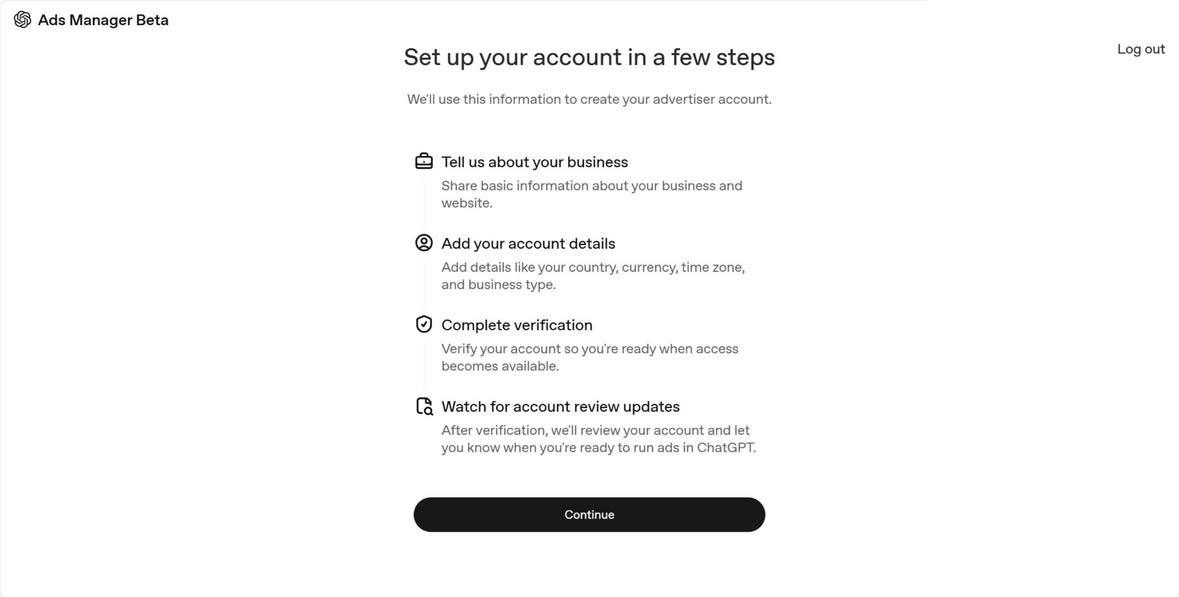
Account setup
You cannot launch a campaign until the account is fully set up. The process has five steps.
- Create an account. Ads Manager Beta is tied to an OpenAI account, so it is better to use a work email. If you do not have an account yet, you can create one during registration.
- Complete onboarding and review. You need to provide company details, including company name, website, logo, and industry, as well as account details such as country, currency, and time zone. After that, you answer a short set of verification questions. The application enters a review queue: OpenAI checks, among other things, whether the advertised product complies with its advertising policies. The queue moves gradually, so approval may take time. When access is approved, you receive an email.
- Fill in account information. After access is granted, you need to enter the account name and logo exactly as they should appear in the ad unit. This matters: ads will not start serving until this step is complete.
- Set up payment. Add a payment profile and payment method.
- Invite your team. Colleagues can be added in account settings.
There are two things to plan for in advance. First, the advertiser account should be created by one owner only. Second, each advertiser needs a separate account. If you manage several brands, you will need several accounts.
The main practical takeaway: if ChatGPT Ads is already on your roadmap, start account setup early. That way, the review queue will be behind you by the time you are ready to launch.
A three-level structure: campaign, ad group, ad
Once access is approved, setup feels fairly familiar. Every campaign has three levels.
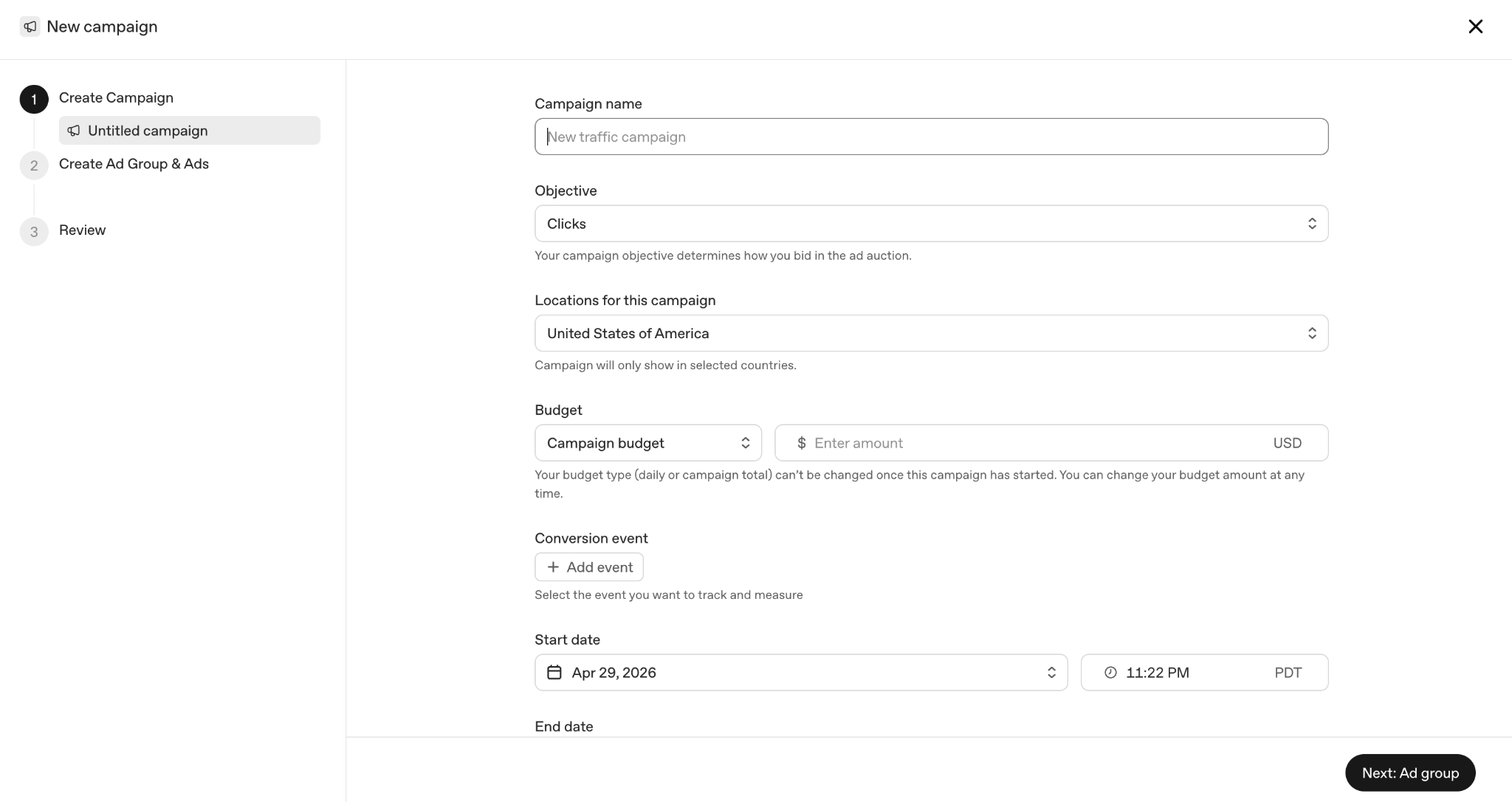
Campaign. This is where you set the objective, budget, flight dates, and targeting. Two objectives are available, and the buying model depends on which one you choose:
- Reach: bought on a CPM basis.
- Clicks: bought on a CPC basis.
Ad group. This is a set of ads grouped by a shared theme or user intent. Context hints are set at the ad group level: they describe the conversations where the ad should be relevant.
Ad. This is what the user sees: headline, short text, image, and landing page link.
After setup, the campaign is sent for review. Once approved, the ads begin serving.
If an ad has the status not serving, the platform explains the reason when you hover over the status. In many cases, the issue can be fixed quickly, edited, and resubmitted for review.
Key settings: geography, objectives, budget
Geography. Geographic targeting is more detailed than you might expect. In the available countries, advertisers are not limited to selecting the whole country, such as "United States" as one large zone. In our test, targeting could be narrowed to specific, fairly small areas. For local and regional advertisers, that level of precision is genuinely useful.
Objectives. Two objectives are currently available: reach and clicks. Conversions can be measured: you can set up conversion tracking and see conversions in reports. However, conversion optimization is not yet available as a separate campaign objective. It would be logical to expect this later, but for now you should not build a campaign around that scenario.
Budget and bids. Advertisers set a daily budget and maximum bids. As of May 2026, OpenAI recommends starting CPC campaigns with a maximum bid of a few dollars per click. CPM campaigns have their own default cap.
Winners are determined in a second-price auction that also accounts for relevance. This means a more relevant ad can win an impression even against an ad with a higher bid.
The core skill: defining delivery context
The most important point in this whole walkthrough is simple: ChatGPT Ads does not have a keyword field.
Instead, at the ad group level, advertisers set context hints: plain-language descriptions of the conversations, topics, and situations where a product or service may be relevant.
These hints help the system match ads with suitable conversations. But they are not exact-match keywords, and they do not guarantee delivery in a specific conversation. They are closer to a short instruction for the system: where might this ad make sense?
This changes the setup logic. You are not building a keyword list. You are describing the moment when a relevant user need appears.
The most common mistake is describing only the product, rather than the user's situation.
When we at Evido write context hints, we describe four things:
- Who the person is: their role or situation.
- What situation they are in: what triggered the need, where the friction appeared, and what they want to achieve.
- What decision they are trying to make: what they want to understand, compare, or choose.
- What signals they may give: the questions and phrases they might actually write in ChatGPT.
Weak hint:
"Project management software with Gantt charts, time tracking, and team dashboards."
This describes the product, but tells the system almost nothing about which conversations would make the ad relevant.
Stronger hint:
"People planning a product launch or coordinating a team across time zones are dealing with chaos in spreadsheets and chats and are looking for a clearer way to see who owns what and when each task is due. They often ask how to keep a project on schedule or how to build a launch checklist."
The product is the same. But now the prompt describes the conversation where that product becomes relevant.
A template you can use
Our [product] helps [audience] who are in [description of situation]. Show the ad in conversations where the user is [researching / comparing / choosing] [topic], for example when they ask: "[example question]" or "[example question]".
Two more rules matter.
First: one type of intent, one ad group. Do not mix a user who is only exploring the problem with a user who is already ready to choose a solution. It is better to separate them into different ad groups and write a more precise hint for each one.
Second: write in the user's language, not the brand's language. Do not try to force in positioning, internal terminology, or polished marketing phrases. Describe how a real person would formulate the task.
Finally, treat context hints as a draft. Launch the campaign, look at the reporting, and refine the wording. The first version is rarely the strongest one.
How to measure results
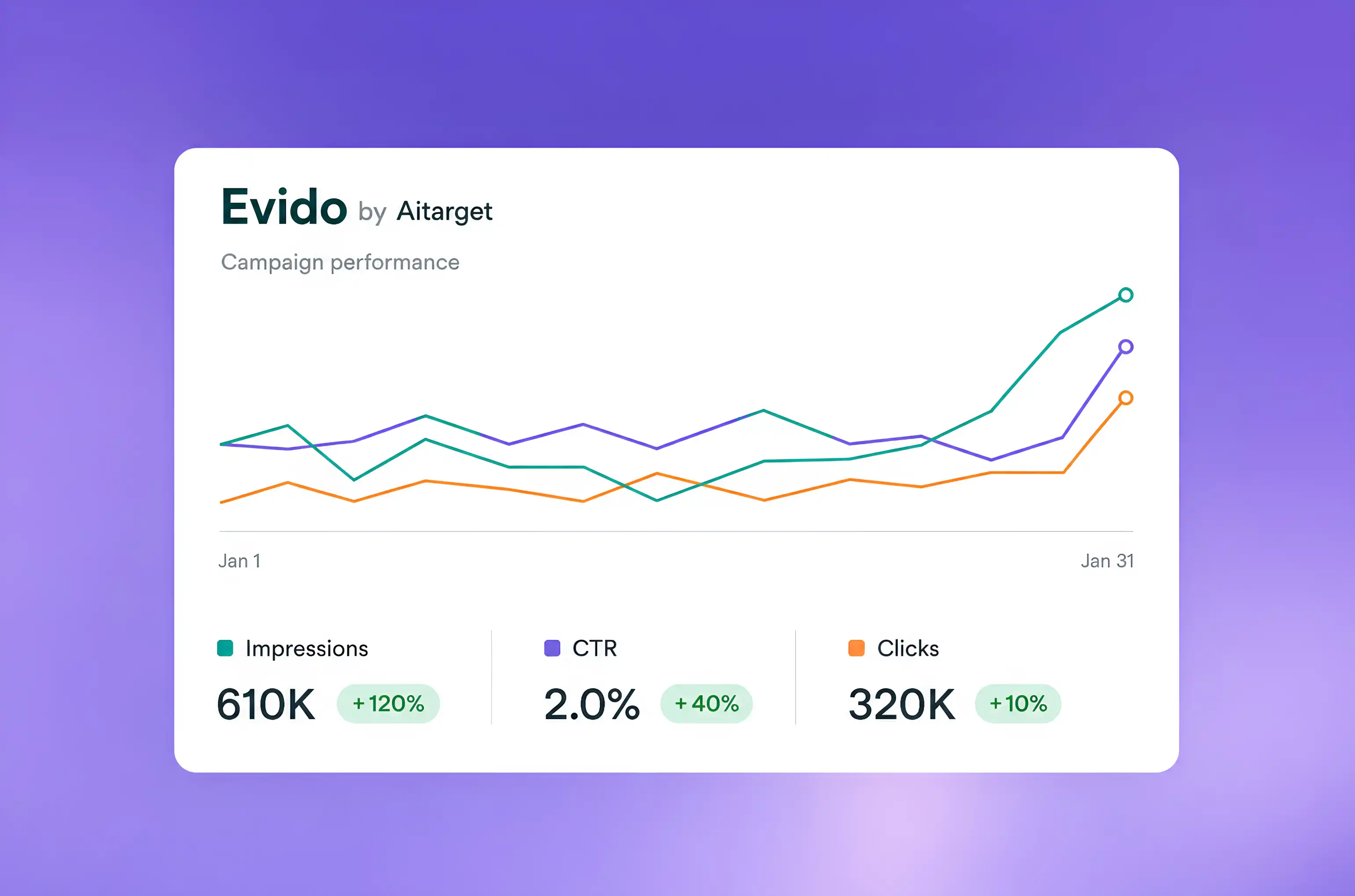
Reporting in Ads Manager Beta covers the expected set of metrics: impressions, clicks, spend, CTR, average CPC, average CPM, and conversions if tracking is configured.
Data can be viewed in three formats:
- In tables by campaign, ad group, and individual ad
- In charts to track performance over time
- In CSV exports for your own analysis
You can also add standard tracking parameters, such as UTM tags, to landing page links. This helps traffic from ChatGPT Ads show up correctly in the analytics tools you already use.
Where it is available and what comes next
For now, availability is limited to four English-speaking markets: the United States, Canada, Australia, and New Zealand.
If your audience is in these countries, you can already test real campaigns, as long as your account has been approved. If your target market is not on the list yet, the smart move is to prepare in advance: complete account review, plan landing pages, set up analytics, and write your first context hints. Then, when a new market opens, launch becomes a quick action rather than a separate project.
The beta is expanding. We will not assign OpenAI specific dates or countries that the company has not announced itself. But Evido is already inside Ads Manager, testing the platform as it changes and sharing updates when new markets become available.
FAQ
Can any business advertise in ChatGPT?
Almost, but not automatically. You need to create an account, and OpenAI then reviews it, including whether the advertised product complies with the platform's advertising policies. Build in time for review rather than expecting a same-day launch.
Does ChatGPT Ads use keywords?
No. There is no keyword field in the account. Instead, advertisers describe the conversations where the product may be relevant using context hints. These are plain-language descriptions that help the system match ads with suitable conversations, but they do not guarantee delivery in a specific dialogue.
How much does advertising in ChatGPT cost?
Advertisers set a daily budget and maximum bids. If the campaign objective is reach, buying happens on a CPM basis. If the objective is clicks, buying happens on a CPC basis. The auction considers not only the bid, but also ad relevance, so the main cost lever is not just budget. It is also the quality of the match between the ad, the context, and the user's intent.
Who sees these ads?
Free and Go users over 18 in the United States, Canada, Australia, and New Zealand. Plus, Pro, and Business users do not see ads.
Is advertising available in my country?
Right now, only in those four markets. The beta is expanding, so you can join the watchlist to be notified when a new market opens.
Be ready to launch when your market opens
Advertising in ChatGPT is a rare moment for the industry: a new advertising surface that has not yet become familiar or mainstream.
Evido is already inside the platform: testing the account, tracking changes, and preparing for launches in new markets as the beta expands.

.jpg)