.svg)

_converted.webp)
ChatGPT Ads context hints: what they are and how to write them (with examples)
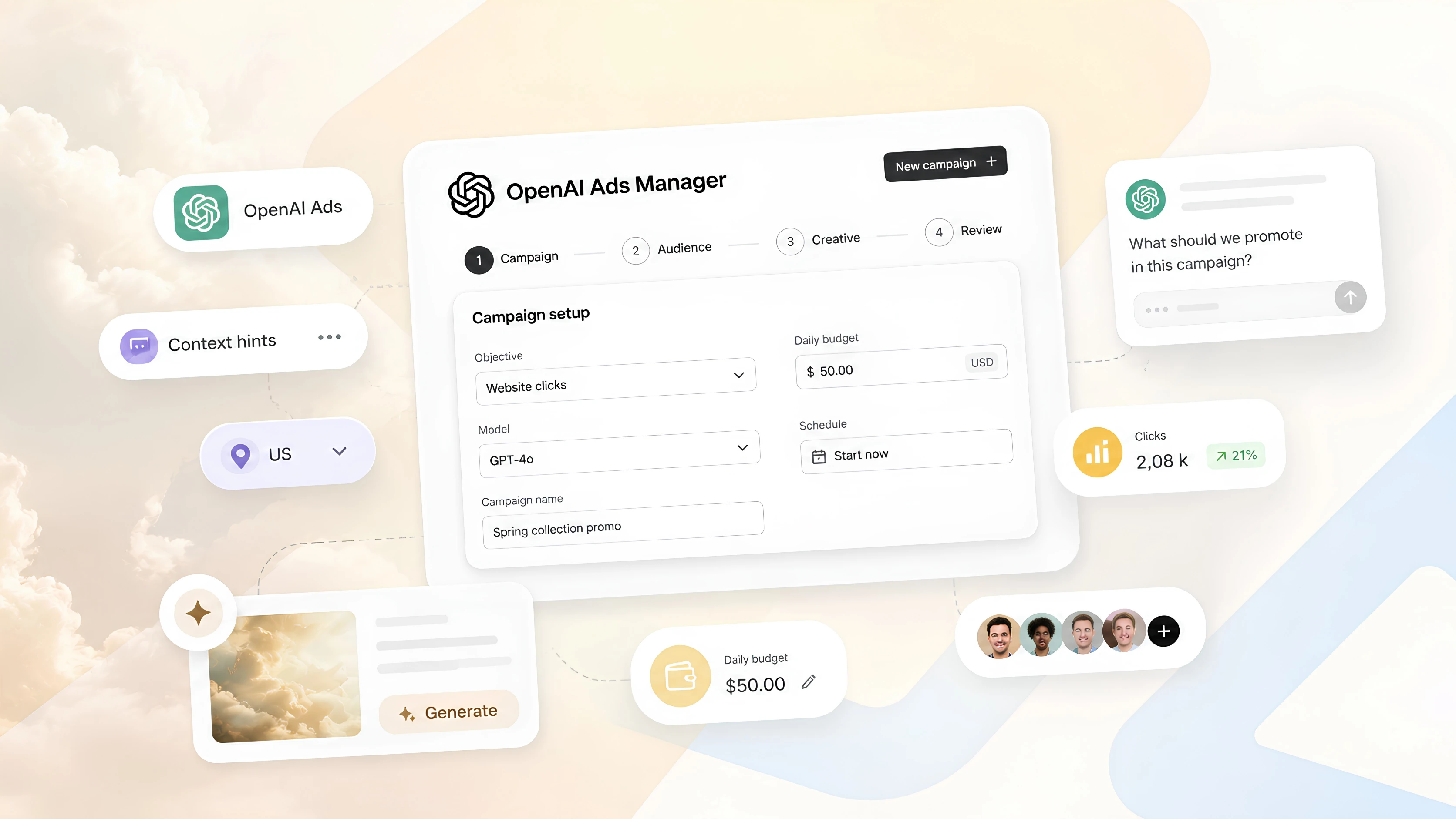
A media buyer setting up their first ad group in OpenAI Ads Manager looks for the keyword field and doesn't find one. In its place are context hints: short, plain-language descriptions that tell the system when your ad will be useful, and to whom.
These descriptions largely determine which conversations the system will consider a good fit for your ad. Below, we cover how hints work, what OpenAI says about them, and how we write them in our own campaigns.
What context hints are
Context hints are additional information about your product, service, or business that helps the system understand when your ad may be relevant. They are set at the ad group level, with up to 2,000 hints per ad group.
Hints are one of several signals. When selecting an ad, the system considers the context and intent of the conversation, the ad's title and copy, the landing page content, and the hints themselves. If a user has ads personalization turned on, select signals from their broader ChatGPT history are added as well.
This means a hint works best where the ad and landing page leave something unsaid: who the product is for, when it's needed, and what sets it apart.
The auction considers ad relevance, not just the bid. A more relevant ad can win an impression even over an ad with a higher bid, so the quality of your hints affects cost as well.
What context hints don't do
It's easy to mistake context hints for keywords, but they work differently.
- They don't require matching words. Users don't need to type the same words that appear in your hint. The system evaluates meaning and need.
- They don't guarantee delivery. A hint doesn't promise that your ad will appear in a specific conversation, to a specific audience, or in a specific situation.
- They don't replace targeting. Location, platforms, scheduling, and exclusions are set in campaign settings, not in hint text.
- They don't make an offer relevant. Wanting to reach an audience doesn't make your product a fit for it. A hint should describe a real use case.
OpenAI's API documentation allows keywords inside hints. But its help center for advertisers explicitly recommends writing full sentences rather than lists of words: a sentence gives the system more context.
What OpenAI considers a good hint
A good hint is:
- Complementary. It adds something that isn't in the ad or on the landing page. A detail from the landing page can still help if the hint connects it to a customer need.
- Specific. It describes a feature, a service detail, a need, or a situation.
- Relevant. It explains a real connection between your offer and the use case.
- Accurate. It reflects what you actually sell.
The format is one clear sentence with one idea. A hint doesn't have to answer everything at once: what it is, who it helps, and when it's useful. One of the three is enough.
Examples from OpenAI's documentation: "Lightweight trail running shoes for rocky terrain" works better than "Shoes." "Comfortable shoes for beginners training for their first 5K" is an example of a hint about a specific audience and goal.
How we write hints: four questions
When we write hints for clients, we start by answering four questions:
- Who the person is — their role or situation.
- What situation they're in — what triggered the need, where the problem is, what they want to achieve.
- What choice they're trying to make — what they want to understand, compare, or choose.
- What signals they give — the questions and phrasing they would actually type into ChatGPT.
The most common mistake is describing only the product instead of the user's situation.
Weak hint:
"Project management software with Gantt charts, time tracking, and team dashboards."
It describes the product and says almost nothing about the conversations where it's needed.
Strong hint:
"People planning a product launch or coordinating a team across time zones, drowning in spreadsheets and chats, and looking for a way to see who owns what and by when. They often ask how to keep a project on schedule or how to put together a launch checklist."
Same product. But this one describes the conversation in which it becomes useful.
How to combine this with OpenAI's advice
Answering the four questions produces a long description. OpenAI, on the other hand, recommends one idea per hint. The solution is simple: split the description into several hints within the same ad group.
Example for an online English school:
- "Adults who need English for work and are preparing for an interview at an international company."
- "Professionals who understand spoken English but freeze when they need to speak up in meetings."
- "People looking for a fast way to improve their conversational English before relocating."
Each hint covers one situation. Together, they describe the audience more broadly than one long sentence.
A template you can use
Our [product] helps [who] who are in [situation]. Show the ad in conversations where the user is [researching / comparing / choosing] [topic] — for example, when they ask: "[example question]" or "[example question]".
The template is handy for a first draft. Before launch, remove instruction-style wording like "show the ad" from the final hint: a hint describes a situation rather than giving the system a command.
How to organize hints across ad groups
Hints work at the ad group level, so campaign structure matters as much as the wording.
- One ad group, one type of intent. Don't mix someone who is just exploring a problem with someone who is already choosing a solution.
- One ad group, one topic. Put unrelated products and use cases in separate ad groups.
- Different landing pages, different ad groups. If a use case needs its own message or page, it needs its own ad group.
- Hints and ads say the same thing. If the hint is about beginners and the ad promotes a professional model, the system gets conflicting signals.
Example structure for a sales tracking tool:
Each ad group has its own ads and, if needed, its own landing page. This makes it easier to see in reporting which use case is working.
Common mistakes
- A comma-separated list of words. "Inventory, POS, warehouse, marketplaces" carries almost no context.
- Describing the product instead of the situation. The features are already on the landing page. The hint should explain when they matter.
- Targeting in the text. "Show only in Dubai" or "don't show to students" doesn't work: location and exclusions belong in campaign settings.
- Promises the product doesn't deliver. A hint must be accurate: an inaccurate description leads to irrelevant impressions.
- Outdated information. Prices, promotions, delivery areas, and features change, but the hints stay the same.
How to test and improve hints
Treat hints as a draft. Launch the campaign, check the reports, and refine the wording: the first version is rarely the best one.
A few rules that help you read the results:
- Change one thing at a time and note the date of each change. Otherwise, you won't know what worked.
- Update hints along with the product: when prices, promotions, availability, or service areas change.
- Compare ad groups with each other. If an ad group gets few impressions with a competitive bid, its hints may describe a situation that's too rare. If impressions are high but CTR is low, the hints and the ad are likely describing different situations.
Where to start
Hints are the part of a campaign you can't carry over from Google Ads or Meta. A keyword list won't help here: you need to describe the moment when someone needs your product.
Take one ad group, answer the four questions, and split the answers into 3–5 hints, one situation each. That's enough to launch your first test.
If you're preparing your first launch and want it to go smoothly, submit a request on our website.

.jpg)