.svg)


ChatGPT Ads sign-up: how to create an ad account in OpenAI Ads Manager
You can create a ChatGPT Ads account in a few clicks. You can't start advertising right after sign-up, though: the account goes through review first, and campaigns won't deliver until billing is set up.
Here's the sign-up process, step by step.
Who can sign up self-serve
Self-serve sign-up for OpenAI Ads Manager is open to businesses in 63 countries. The requirement applies to the legal entity: the company that advertises and pays for ads must be registered in one of these countries.
If your country isn't on the list, you can either sign up for updates at ads.openai.com or launch right away through an OpenAI partner, such as Evido by Aitarget.
What to prepare before you sign up
- a work email and an OpenAI account — the same login you use for ChatGPT works;
- your company's legal name, exactly as it appears in your registration documents;
- the brand name users will see in your ads;
- your website URL;
- a logo in JPEG, PNG, or WebP format, at least 256×256 px;
- a payment card and billing details: company name, billing address, and an email for invoices;
- your choice of country, currency, and time zone for the account.
Step 1. Sign in to Ads Manager
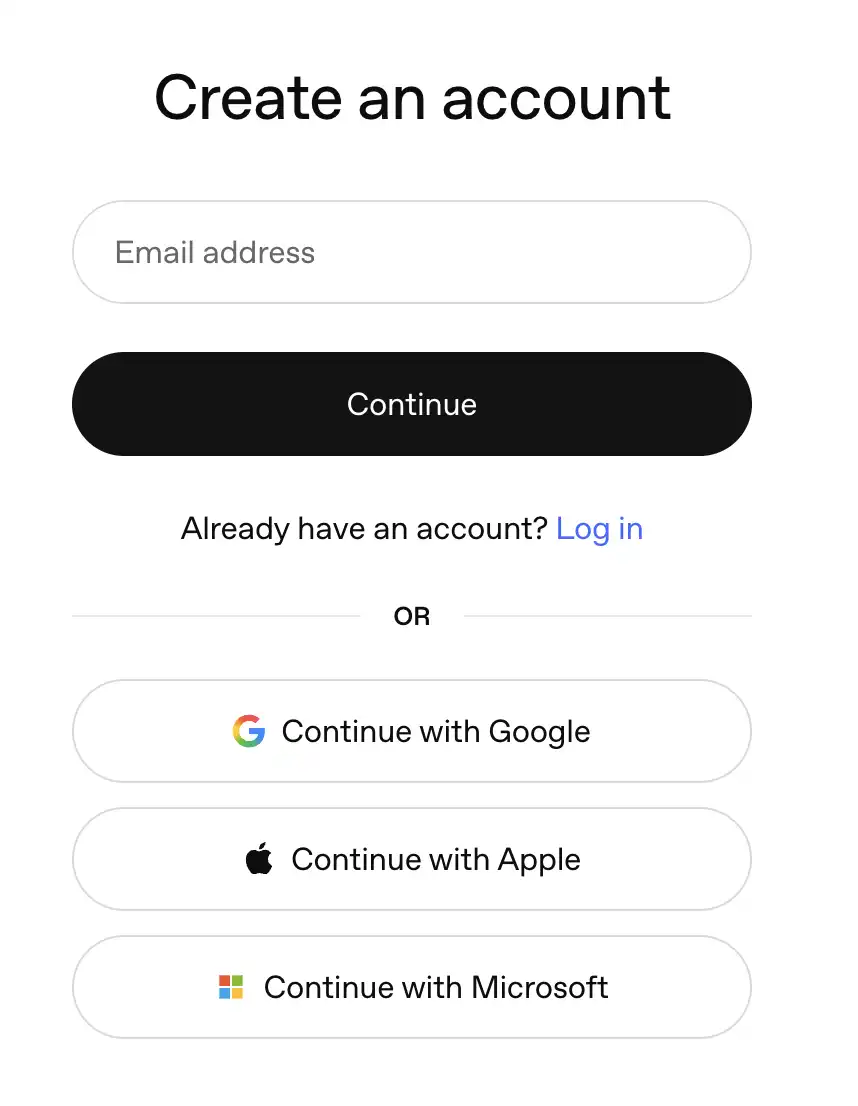
Go to ads.openai.com and click "Sign up" or "Log in". Sign in with your OpenAI account or create a new one. A work email is the better choice, since access to the ad account is tied to this login.
One person should create the account. They'll invite everyone else later, in Step 6.
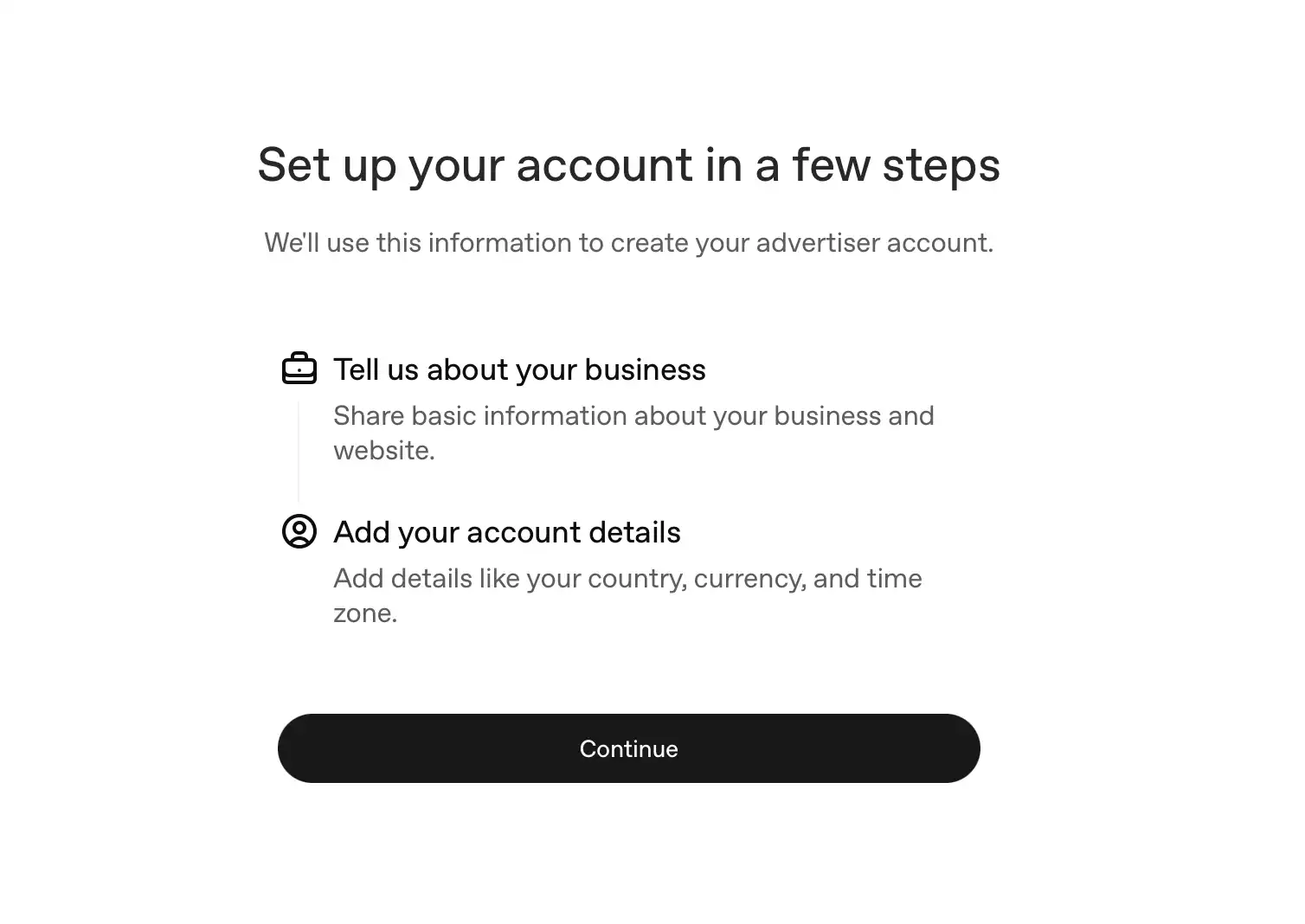
Step 2. Enter your advertiser details
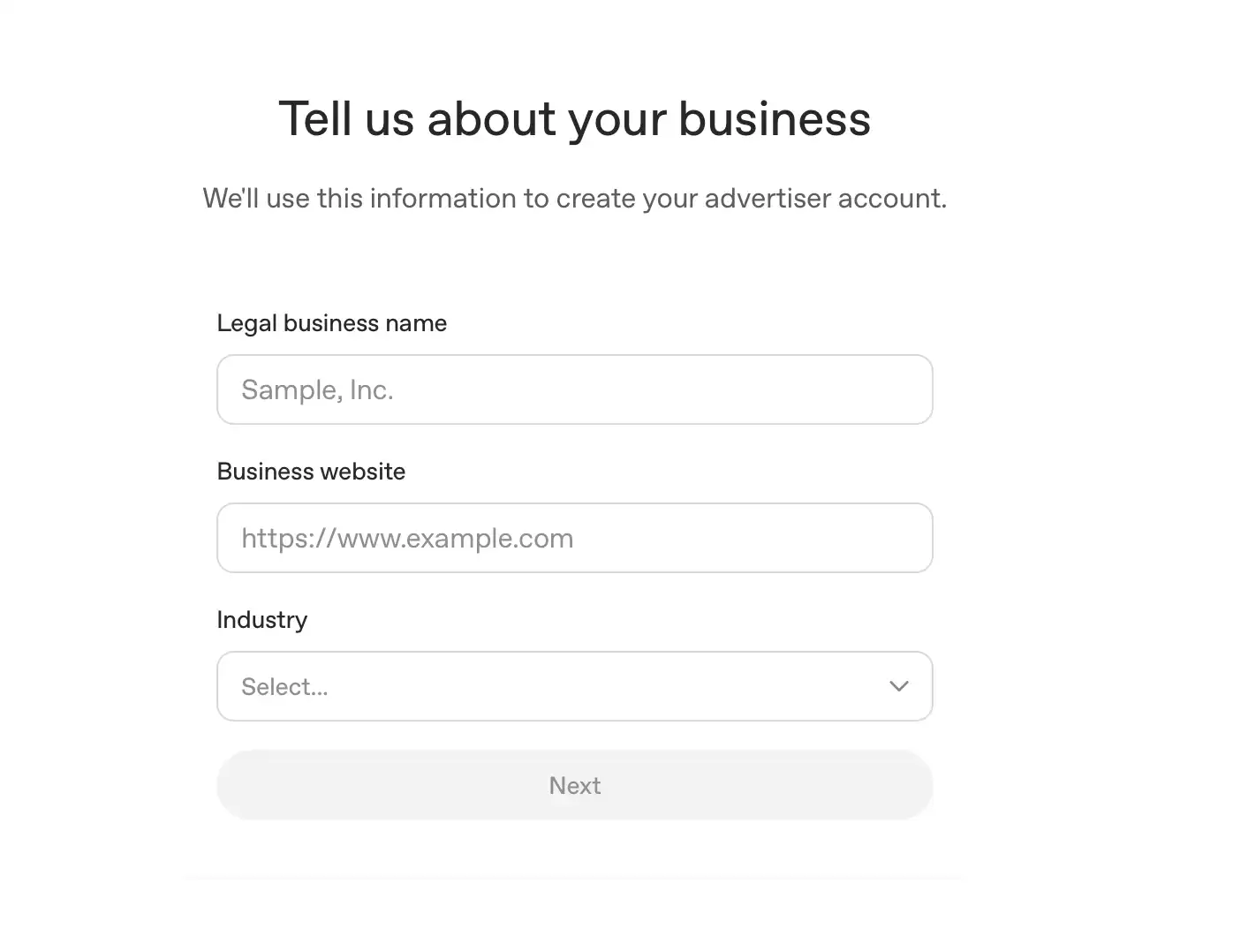
Enter your company name, website, and industry.
Then select your country or region, currency, and time zone.
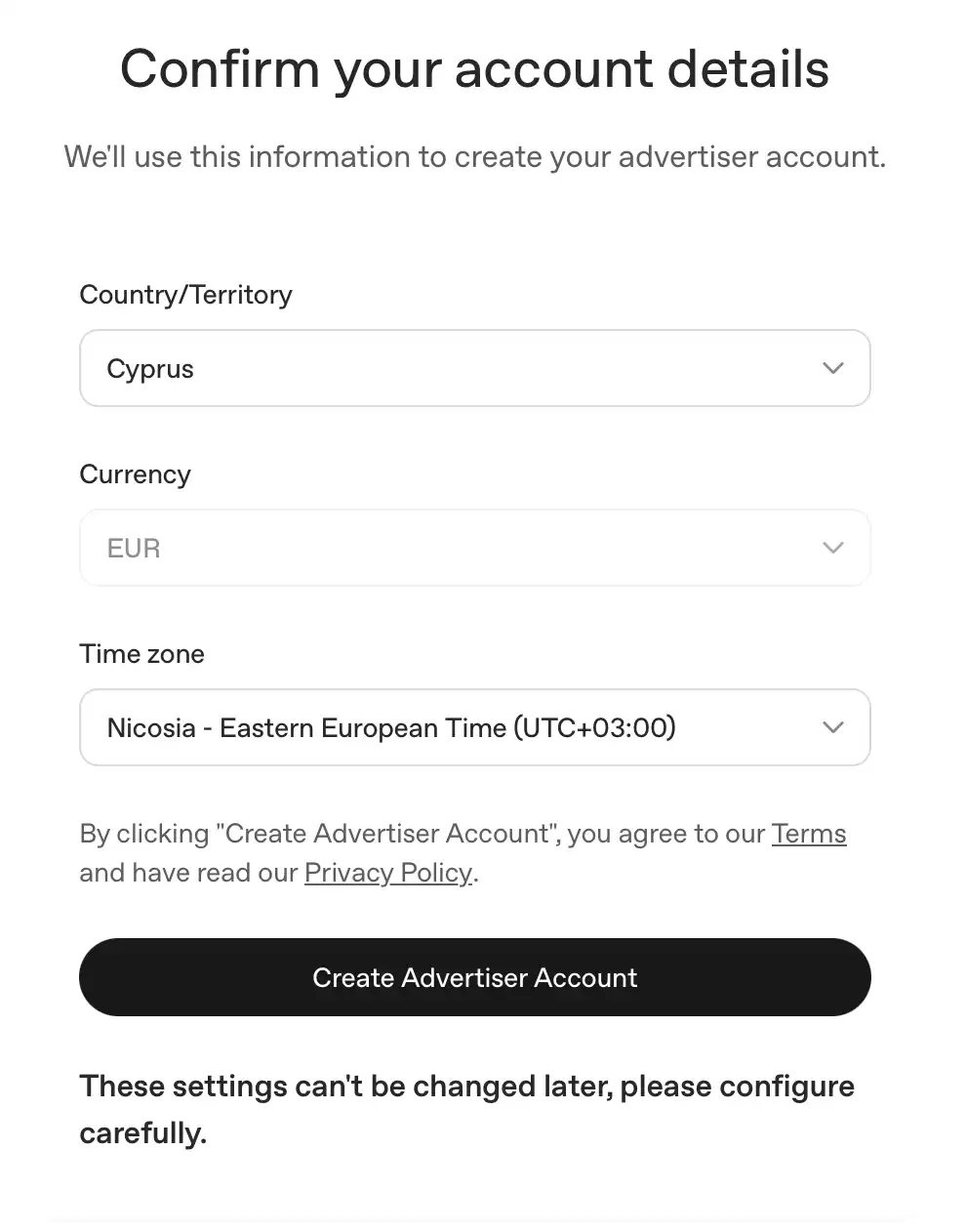
❗ These three settings can't be changed after the account is created. Currency determines what you pay in and how you set budgets. Time zone sets the day boundaries for daily budgets and reporting. If you get them wrong, you'll need to create a new account.
💡 At this step, Ads Manager offers to build your first campaign from your website URL. You can skip it and come back to the campaign later.

Step 3. Complete verification
If you choose a business account during setup, Ads Manager will let you know that your company will need to complete verification. As of October 2026, this doesn't block you from getting started: the account opens right away, and you can set up billing, upload your logo, and build your first campaign.

When OpenAI requests verification, a banner will appear in your account. Your ads won't serve until verification is complete, so it's best to complete it as soon as the request appears.
There are actually several reviews: your company is reviewed by its legal name, your brand by the name and logo shown in ads, and every ad goes through moderation together with its landing page before it can serve. All reviews check compliance with OpenAI's ad policies.
Step 4. Check your names and logo
Go to Settings → General. There are three names here, and each has its own role.

Go to Settings → General. There are three names here, and each has its own role.
Use your registered company name as the Legal Name. Set your Brand Name and logo exactly as you want them to appear in your ads.
Step 5. Set up billing
Open Billing and add a card and the email where you'll receive invoices. Campaigns won't deliver without billing, even if everything else is approved.
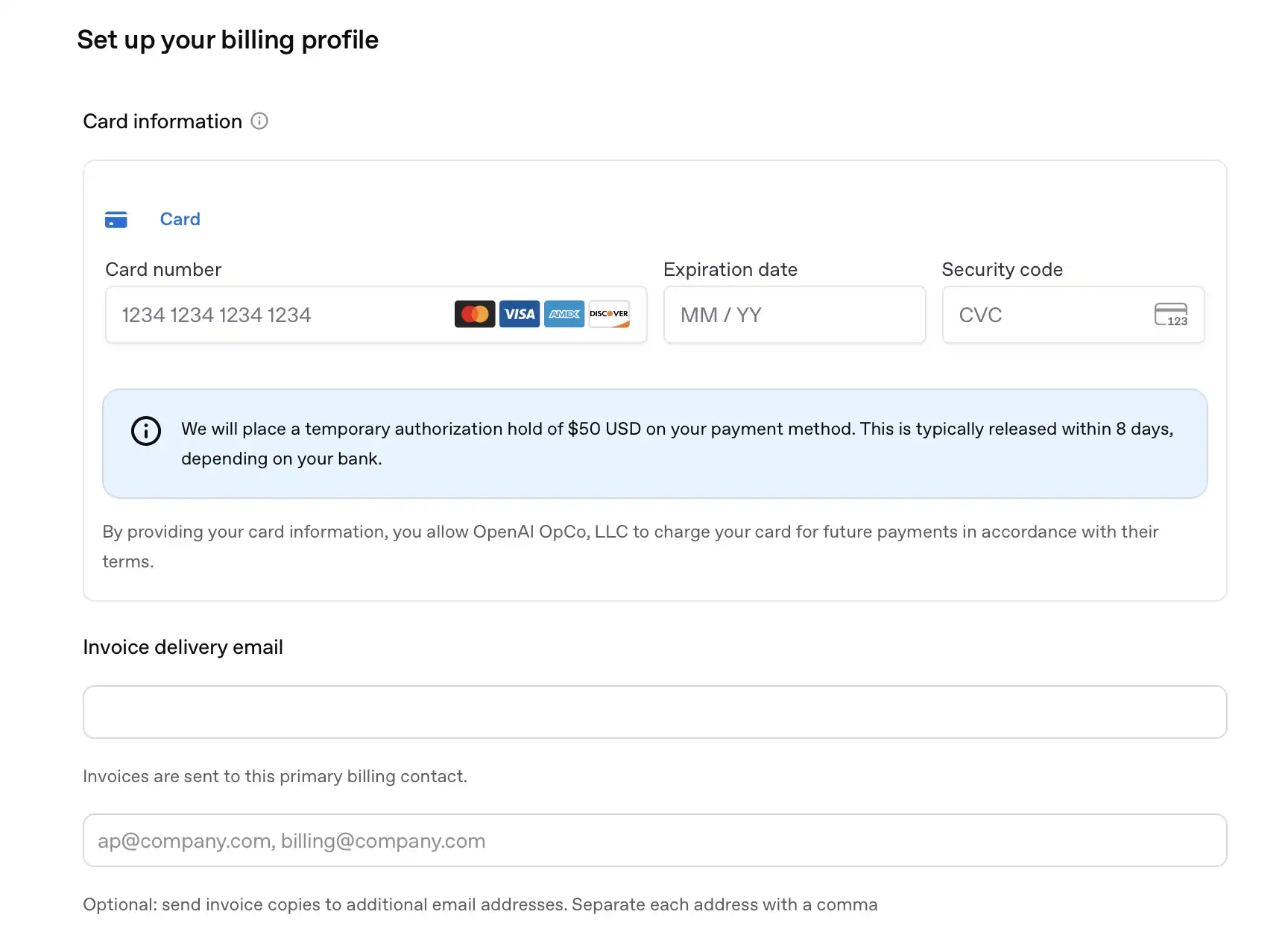
As of October 2026, OpenAI's help center lists card payment as the only option for self-serve accounts.
Step 6. Invite your team
Go to Settings → Users → Invite and enter your colleagues' emails.
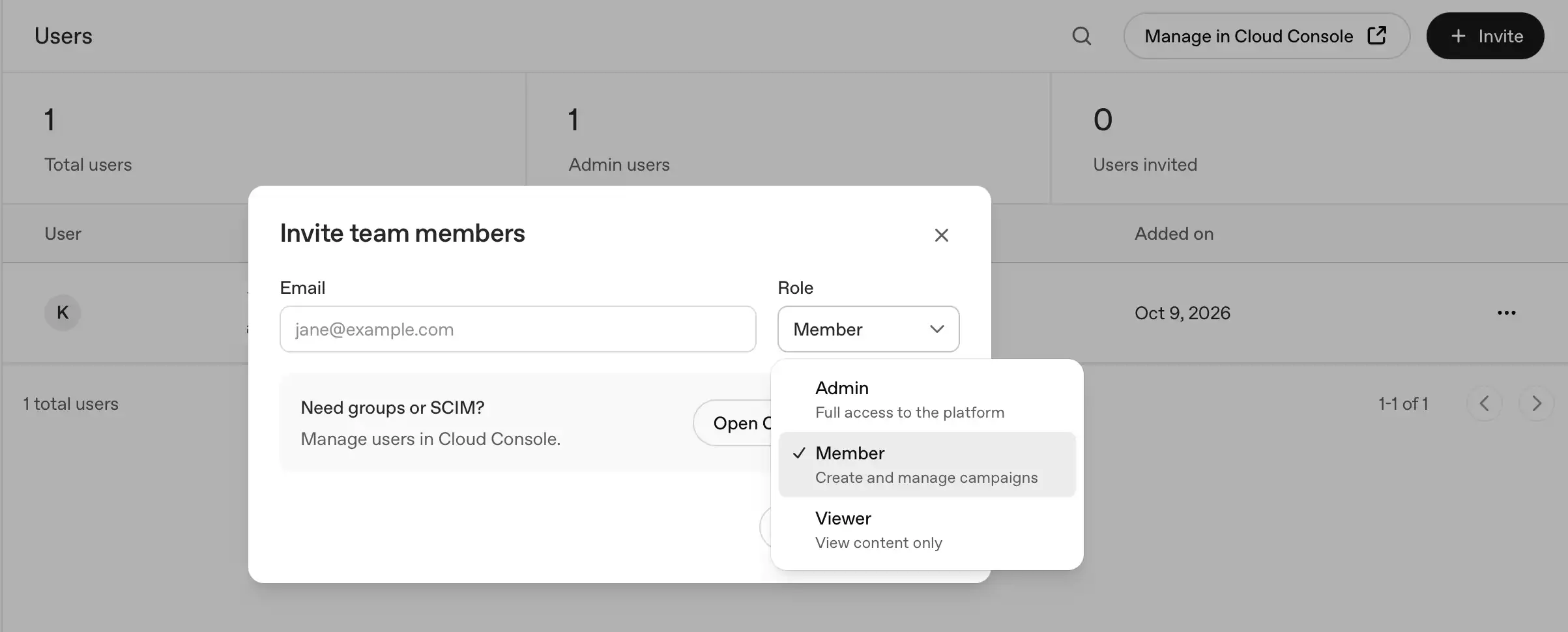
There are three roles.
Limits worth knowing up front
- One account per advertiser. If you manage several brands, you'll need several accounts. You can switch between them with a single login.
- A limit of 10 accounts. Once you belong to 10 or more accounts (ones you created or were invited to), you can't create a new one yourself. Invitations to other accounts still work.
- One currency per account. To pay in different currencies, you need separate accounts.
- An account doesn't open a market. If your legal entity's country isn't supported, a registered account won't give you access to launch.
If your country isn't on the list
Even if ChatGPT Ads isn't available in your country yet, you don't have to wait.
You can get ready in advance. With Evido by Aitarget, you can prepare your ad account, technical setup, and ads, so you're ready to launch as soon as your market opens.
Or you can start advertising now. If your audience is in countries where ChatGPT Ads is already available, we'll help you launch through our ad accounts.
At Evido by Aitarget, we help you prepare for launch, pre-moderate your ads, and arrange billing with full accounting documents.
Submit a request — we'll review it and suggest what you can do right now.

.jpg)